

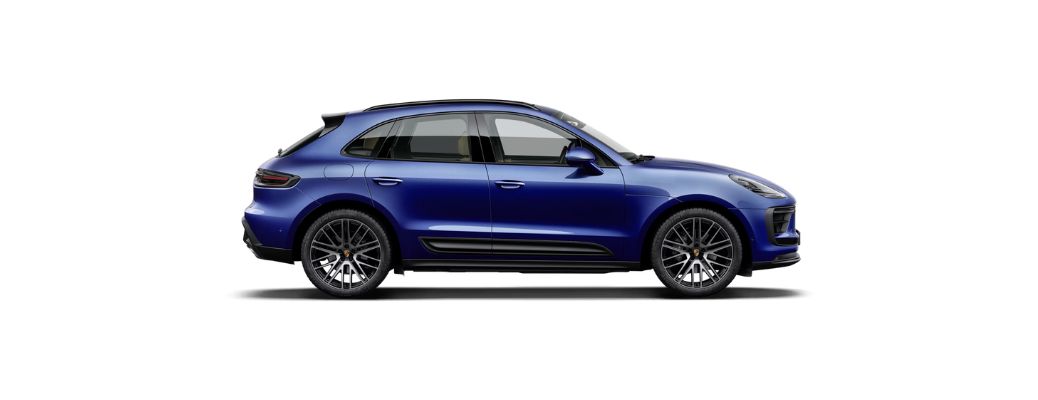
How Does Android Auto™ Work in the 2025 Porsche Macan? Setup and Features Explained
Getting your smartphone connected to your luxury SUV is easier than you might think. This “how to set up Android Auto™ in the 2025 Porsche Macan: step-by-step guide” walks you through the basics so you can start using your favorite apps on the road. Drivers can also get more information on the 2025 Porsche Macan at Porsche Colorado Springs in Colorado Springs, CO.
{Also Read: A Dynamic Addition: Everything You Need to Know About the 2026 Porsche Macan GTS}
Setting Up Android Auto™ in the 2025 Porsche Macan
Android Auto™ mirrors select apps from your phone onto the vehicle’s Porsche Communication Management (PCM) display. It focuses on navigation, calls, messages, music, and voice commands, so you stay connected while keeping your attention on the road.
To begin, you’ll need an Android phone running Android 8.0 or newer and a quality USB-C cable, unless your trim supports wireless Android Auto™. First, start the vehicle and unlock your phone. Then connect your phone to the Macan’s USB port, or pair it via Bluetooth and Wi-Fi for wireless use. A prompt will appear on both your phone and the touchscreen asking for permissions. Accept them to allow access to contacts, maps, and media.
{Also Read: Check Out the Updated 2026 Porsche Macan Electric}
Next, tap the Android Auto™ icon on the PCM home screen. Within seconds, familiar apps like Google Maps, Spotify, WhatsApp, and Google Assistant appear in a simplified layout. You can control everything using the touchscreen, steering-wheel buttons, or voice commands by saying, “Hey Google.”
Moreover, Android Auto™ in the 2025 Macan supports split-screen views, letting you follow directions while controlling music simultaneously. Over-the-air updates from Google keep features up to date, while the Porsche brand’s sharp display and fast processor make interactions smooth and responsive.
If you ever switch phones, simply repeat the connection steps. Settings can also be adjusted through the PCM menu, where you can manage paired devices or toggle wireless connectivity. For drivers who want quick access to apps without handling their phones, this setup quickly becomes a daily favorite.
Shop for the 2025 Porsche Macan in Colorado Springs, CO
Ready to experience it yourself? Visit Porsche Colorado Springs in Colorado Springs, CO, and learn how to set up Android Auto™ in the 2025 Porsche Macan with a step-by-step guide. Our knowledgeable team can walk you through features, connectivity options, and test drives.
{Also Read: Why Routine Electric Vehicle Maintenance Matters for Your Porsche EV?}